iPhone
App Store · coming soonAdd load to your home screen from Safari today. The App Store app is on its way, and your history comes with you.
- Open app.load.fit in Safari
- Tap Share, then Add to Home Screen
- Open load from your home screen
Download
Free in any browser, on your phone or your computer. Your account and history follow you everywhere.
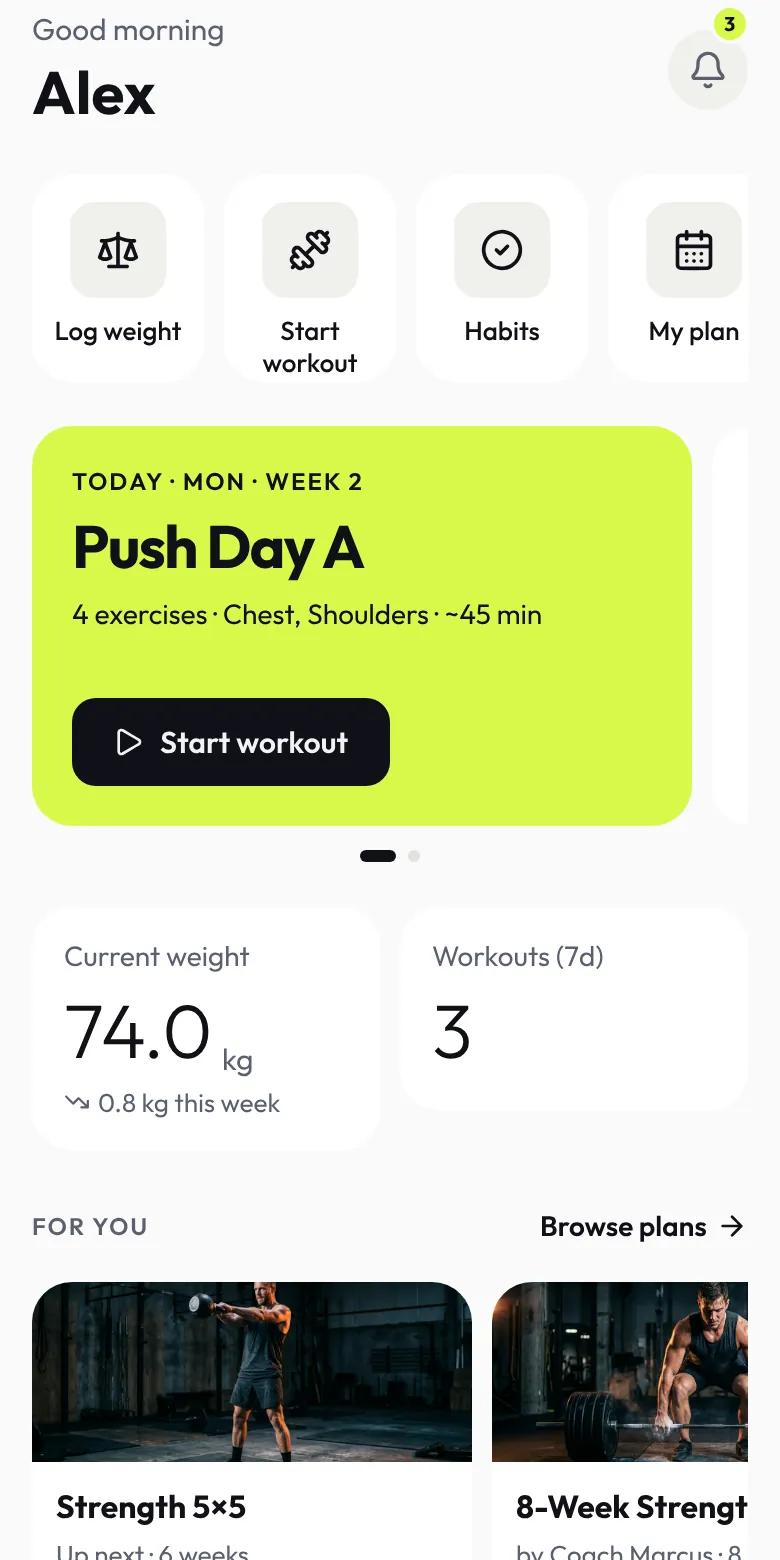
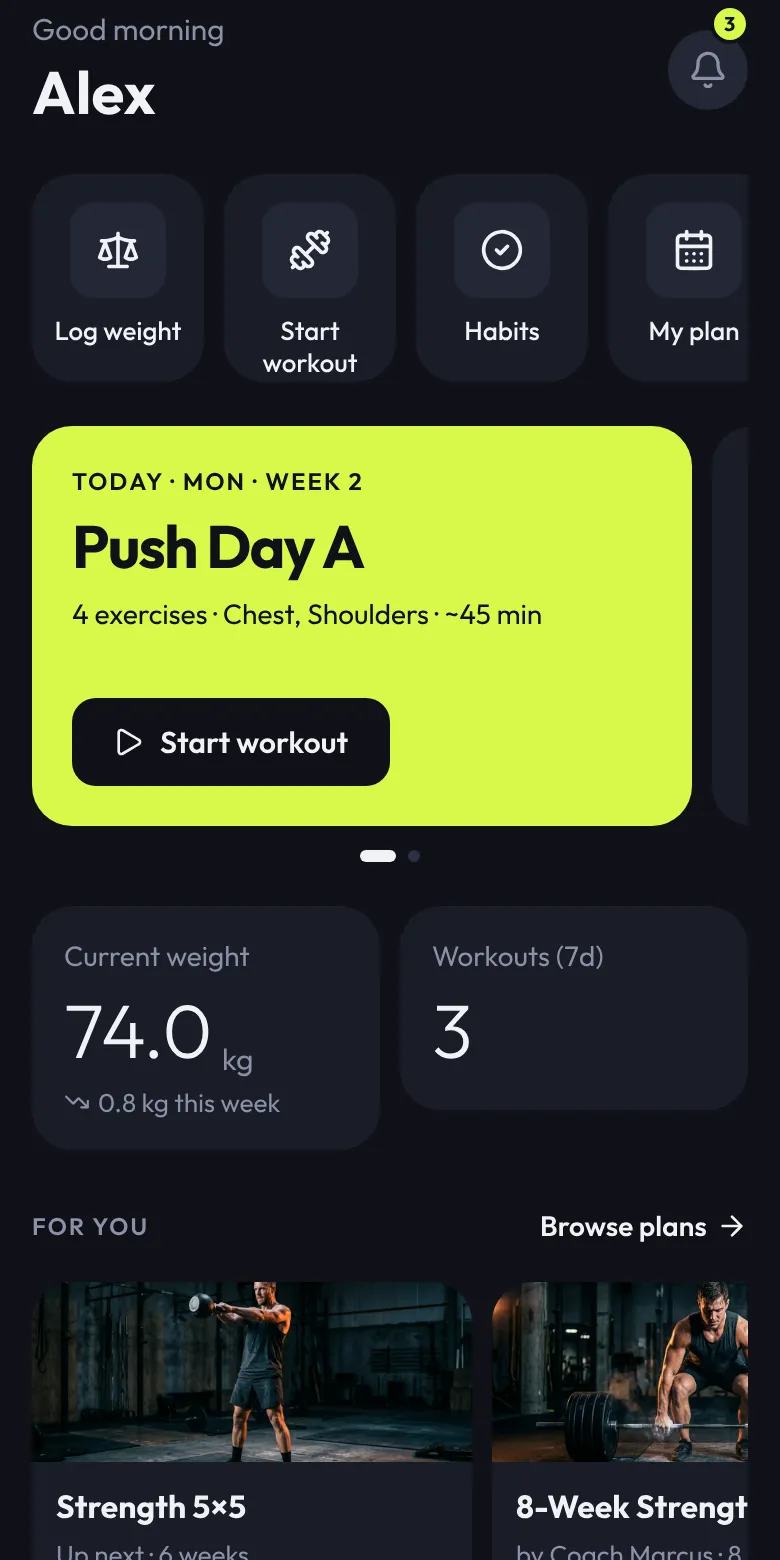
Add load to your home screen from Safari today. The App Store app is on its way, and your history comes with you.
Install load from Chrome today, with offline logging and notifications. The Google Play app is on its way.
Plan workouts, review progress and manage friends from any computer.
Yes. It's the same account. When the App Store app lands, sign in and everything is there.
Yes. Log a full session offline. It syncs when you reconnect, and the app never reloads mid-set.
Download load like everyone else, then join the trainer waitlist and we'll set up your coaching tools.